Billing and support
Find invoices, renewals and help.
Invoices and payments
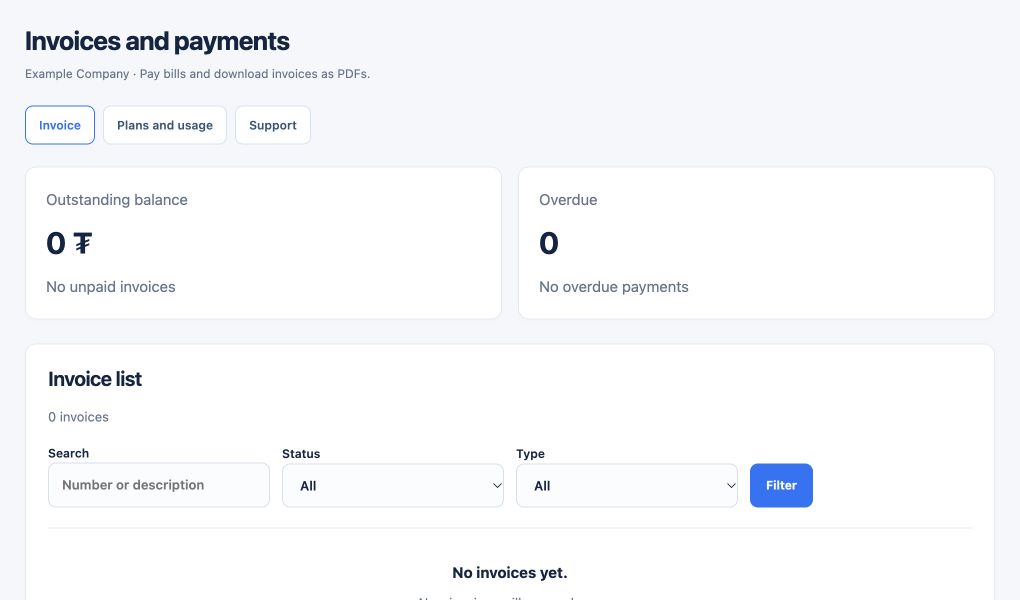
Open Invoices and payments in the customer portal to review your invoices, payment status and available payment methods.
Plans and renewal
Under My email service, review your allocation and renewal date and choose a 1-, 3-, 6- or 12-month next cycle. The 12-month total uses the product’s annual price; shorter cycles use the monthly price. New renewal quotes use the current catalog price, while an invoice already issued retains its recorded amount.
Mailbox seats and Team packages
One Business Mail 5 GB or 10 GB product unit provides one mailbox. Team 5, 10 and 25 provide 5, 10 and 25 mailboxes respectively; a Team service has one package and one domain.
Change your plan
Under My email service → Change email product, choose the current service, target product and required quantity, then preview the change. Select one for a Team package. Review the full-cycle price, amount due now and effective timing before confirming.
Upgrades and downgrades
When neither mailbox seats nor per-mailbox quota decreases and the full-cycle price rises, the difference is calculated using the actual paid price and remaining time. The new plan applies after the invoice is paid and successfully applied. If seats or quota decrease, or the price does not increase, the change is scheduled for the next cycle and applies after renewal payment is confirmed.
Check before changing
The target must accommodate existing and pending mailboxes, the permitted domain count and actual used storage per mailbox. A switch to Team requires exactly one domain linked to the service. If the checks cannot be completed or the target is insufficient, the change is blocked with a reason.
Get help
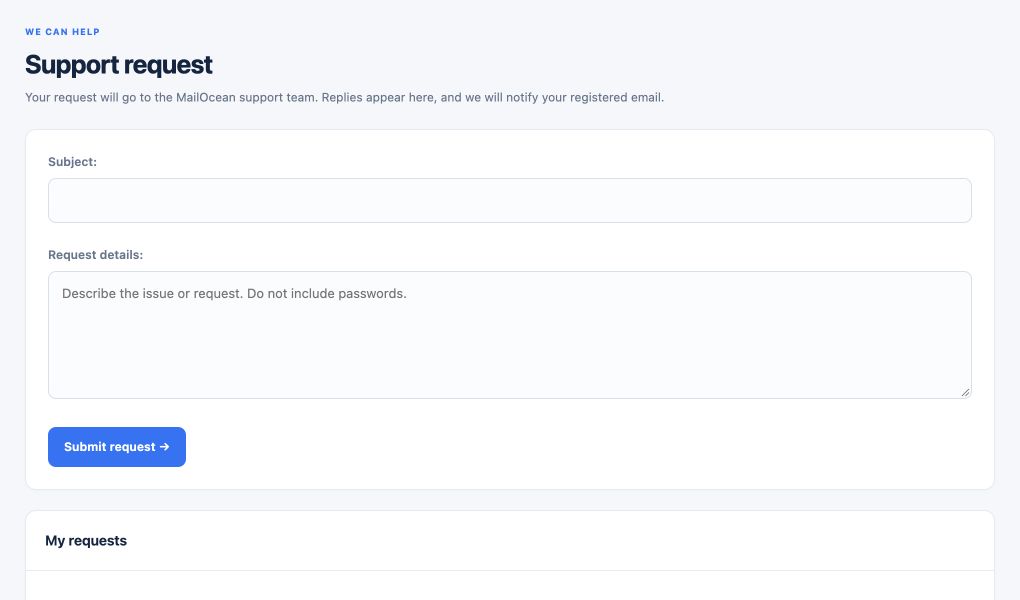
Sign in to the customer portal and create a support request, or contact info@mail-ocean.com. Include the relevant details and an error message without sensitive information.