
MAILOCEAN / HELP CENTER
Use webmail
Sign in to webmail and use its core tools.
Sign in
At webmail.mail-ocean.com, enter your full email address and that mailbox’s password. This login is separate from the customer portal.
- Open webmail.mail-ocean.com and enter the full email address.
- Enter that mailbox’s password and sign in. Do not use the customer portal password.
- If a different mailbox is already open, check the signed-in address and sign out or use a separate browser profile.
If another person is already signed in on the browser, their mailbox may open. Check the address and sign out or use a separate browser profile.
Everyday tools
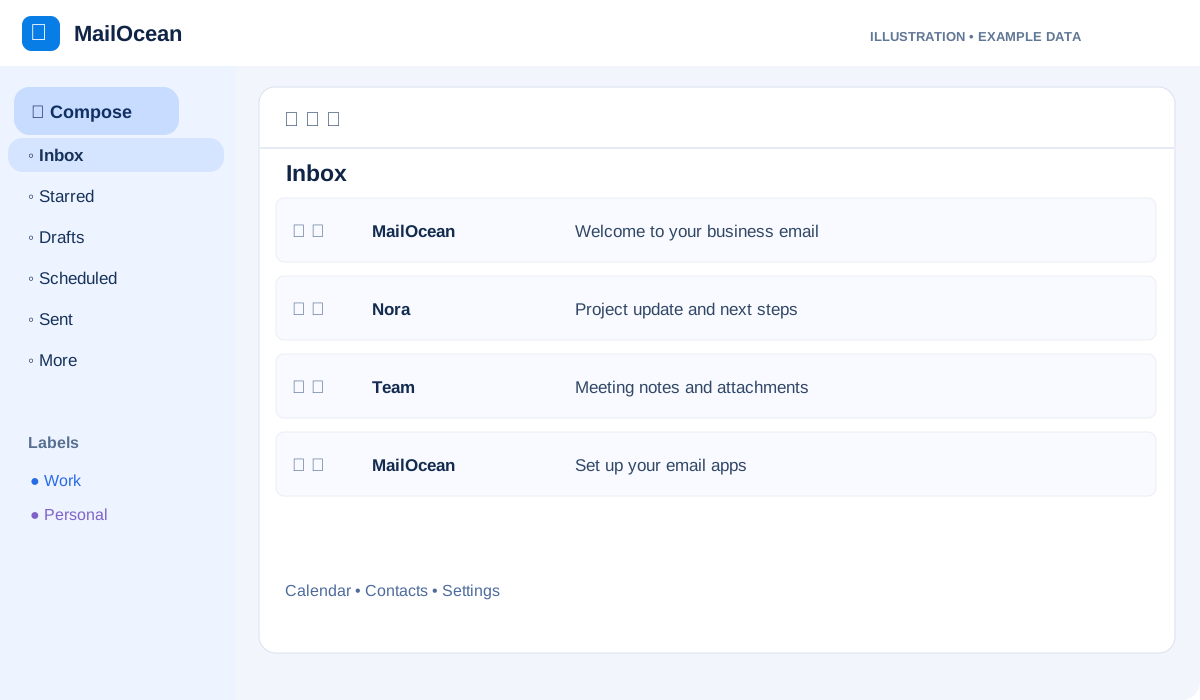
Compose, search and organize messages, and use your calendar and files. Manage filters and out-of-office replies in mail settings.
- Use Mail to compose, read, search and organize messages in folders.
- Open Calendar or Files from the webmail menu when needed.
- Manage filters and out-of-office replies in mail settings.
Forgot your password?
Ask your organization’s administrator with mailbox management permission to reset the mailbox password.
- Contact your organization’s administrator with mailbox management permission.
- The administrator opens the address in the customer portal and uses Change mailbox password.
- Sign in again to webmail and mail apps with the new mailbox password.