
Agreement and billing
Understand the monthly reseller snapshot, estimates, and invoices.
Contract terms
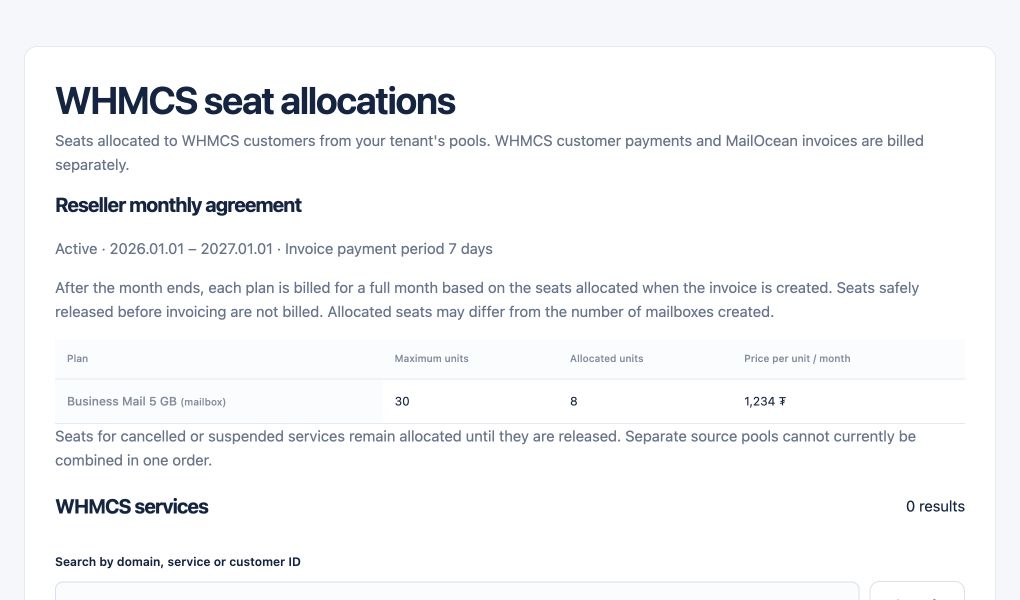
MailOcean sets your total mailbox limit, monthly prices for 5, 10 and 25 GB, and payment interval in your reseller agreement. Your WHMCS retail prices and billing cycles are set separately.
- Agree the total limit and effective date.
- Confirm the three storage rates and payment interval.
Monthly snapshot
On the first day of each month in Ulaanbaatar, MailOcean counts each existing active or suspended mailbox once across ClientArea and WHMCS. Archived mailboxes, pending requests and unused seats are excluded. A zero count closes the period without issuing an invoice.
- Open Overview to see the current count.
- Use the first-of-month snapshot to reconcile the issued invoice.
Example
Suppose ten mailbox seats are reserved. If they have three active 5 GB mailboxes and one suspended 5 GB mailbox on the snapshot date, the invoice charges four mailboxes at the agreed 5 GB rate.
- Check the number of mailboxes provisioned on the snapshot date.
- Multiply each storage tier count by its own rate.
Estimate, payment and PDF
In ClientArea, open Overview for the estimated invoice breakdown. The final count is taken on the snapshot date. Open Invoices and payments to view the due date, pay using the offered methods, or download a PDF.
- Open Overview to see the estimate.
- Open Invoices and payments to pay or download an issued invoice.